Real-time Lava/Ocean Cinematic | Unreal 5


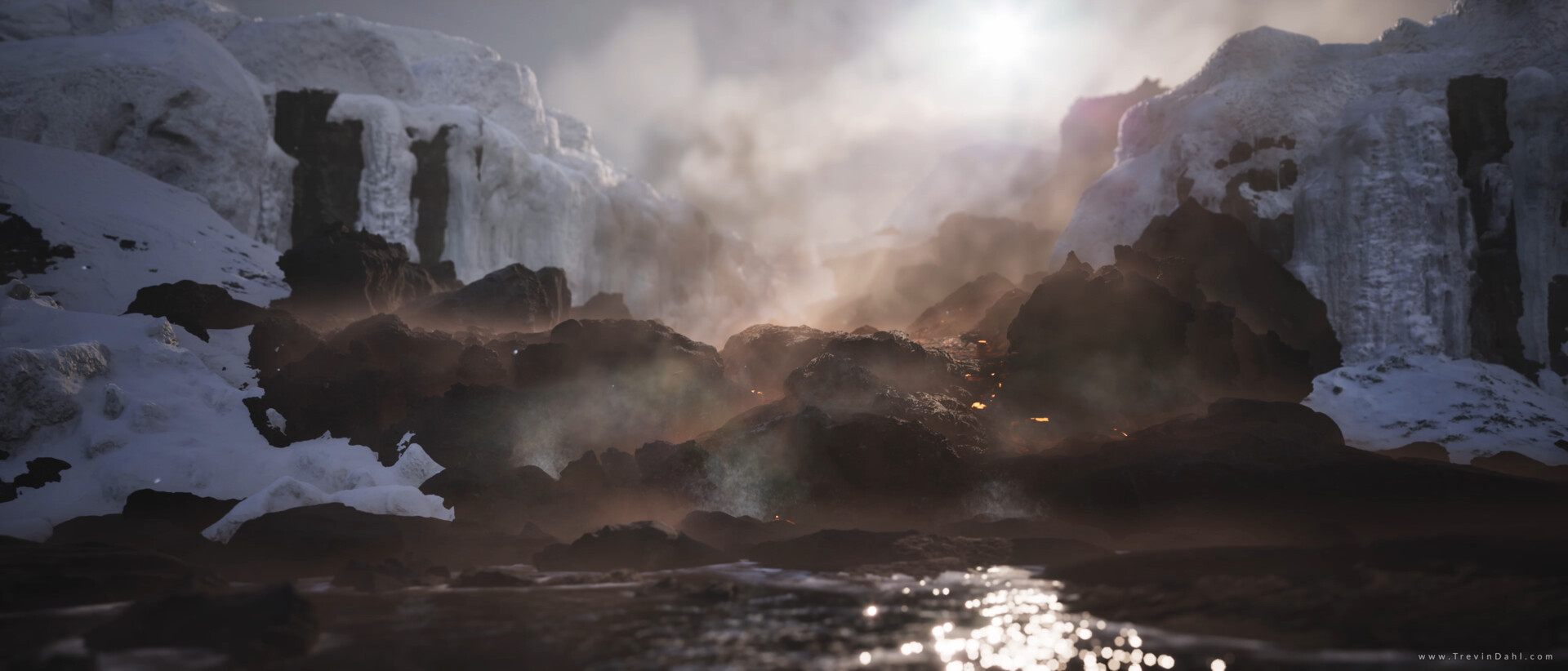
o The lava shader was one of the monoliths within this scene. It has dynamic flow mapping and will flow around geometry in real time. It’s built into a dynamic spline blueprint for easy drag and drop usage.
The biggest issue I ran into with Unreal 5 was the removal of tessellation and displacement. Of course, I can still use WPO, but this wasn’t a full replacement. Finding ways to make my lava look thick without displacement was a massive challenge.

This is my Lava Shader. I used a combination of parallax occlusion mapping and some other techniques to make the lava look as thick as possible for an entirely flat plane.

Ocean Shader: I wasn’t able to use WPO in the pre-release build, as it seemed to be broken, so I made a Gerstner wave formula that exclusively effected my normal maps. This changed later.

Transparency is not currently implemented in Lumen, and screenspace reflections weren’t cutting it. I tried working with raytraced reflections for a while, but the combination caused a few other artifacts. In the end I used a fully opaque shader.

Gerstner waves material function.
Fog Sheets Tool: I’ve made a fully dynamic BP for fog sheets. The BP creates a dynamic materials instance. The fog sheet uses a Niagara particle that only renders within specific box boundaries.

The tool allows the user to switch the shape of the fog between 4 different options, as well as 4 more options for how the fog interacts with the geometry in the environment.

The fog is self-shadowing and uses direction information from my scene’s directions light.

This is not the full blueprint.
Nanite overview.

Lumen Overview.

My week 1 progress shots.

My progress 6 weeks in. I'm currently in my senior year and have a full course load so I was not working on this full time.

The thumbnail I used in designing this project.

This ice shader didn't end up in the project. You can see into it though even though the material is fully opaque.

The ice shader graph.

Simple masked particle master material.

Volume particles material.

Distortion material.

Fog cards material.

Volumetric god rays material.
VRT implementation.
I designed this scene to push myself into the depths of Unreal 5. I started in the per-release build, and continued updating Unreal until landing on Preview Build 2. Each update presented me with a new set of challenges to overcome while simultaneous solving some of the previous ones I struggled with.
I've implemented Lumen, Nanite, Volumetrics, custom tools, and pushed my PC and Unreal 5 as far as I could. Even after maxing out every setting available to me I still get around 40-60 Fps in this scene with Cinematic settings. Unreal 5 is awesome.
Combinations between Nanite, Lumen, and Ray-tracing tend to cause issues; balancing these tools was a substantial challenge.
This project was huge, and exciting. I can't wait to get started on the next one.
Credits to some awesome creators that I learned from while building this scene, as well as friends and professors that gave me advice along the way:
YouTubers:
o William Faucher for great all-around tips! https://www.youtube.com/c/WilliamFaucher
o Ben Cloward for amazing shader tips! https://www.youtube.com/c/BenCloward
o Digital Mind for Blueprints and fog! https://www.youtube.com/channel/UCGziF9_dw75-4m3ve-atXHA
Friends:
o Anoop Herur-Ramen for technical advice and being awesome.
And last but not at all least, my awesome professors:
o Alain Schneuwly
o Matthew Brunner
Music Credit: "Shepherd" by me.
